English
  Español
  Português
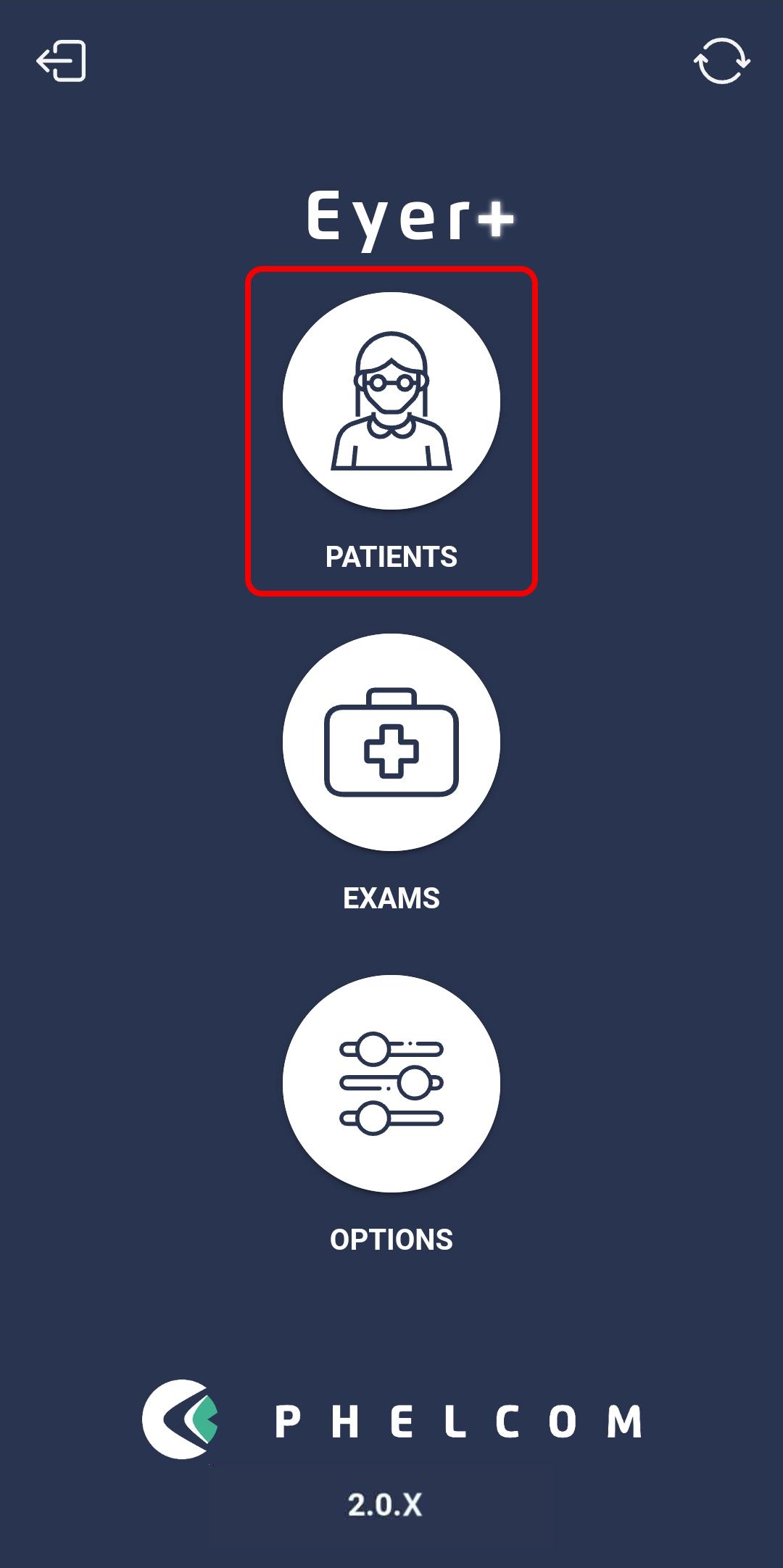
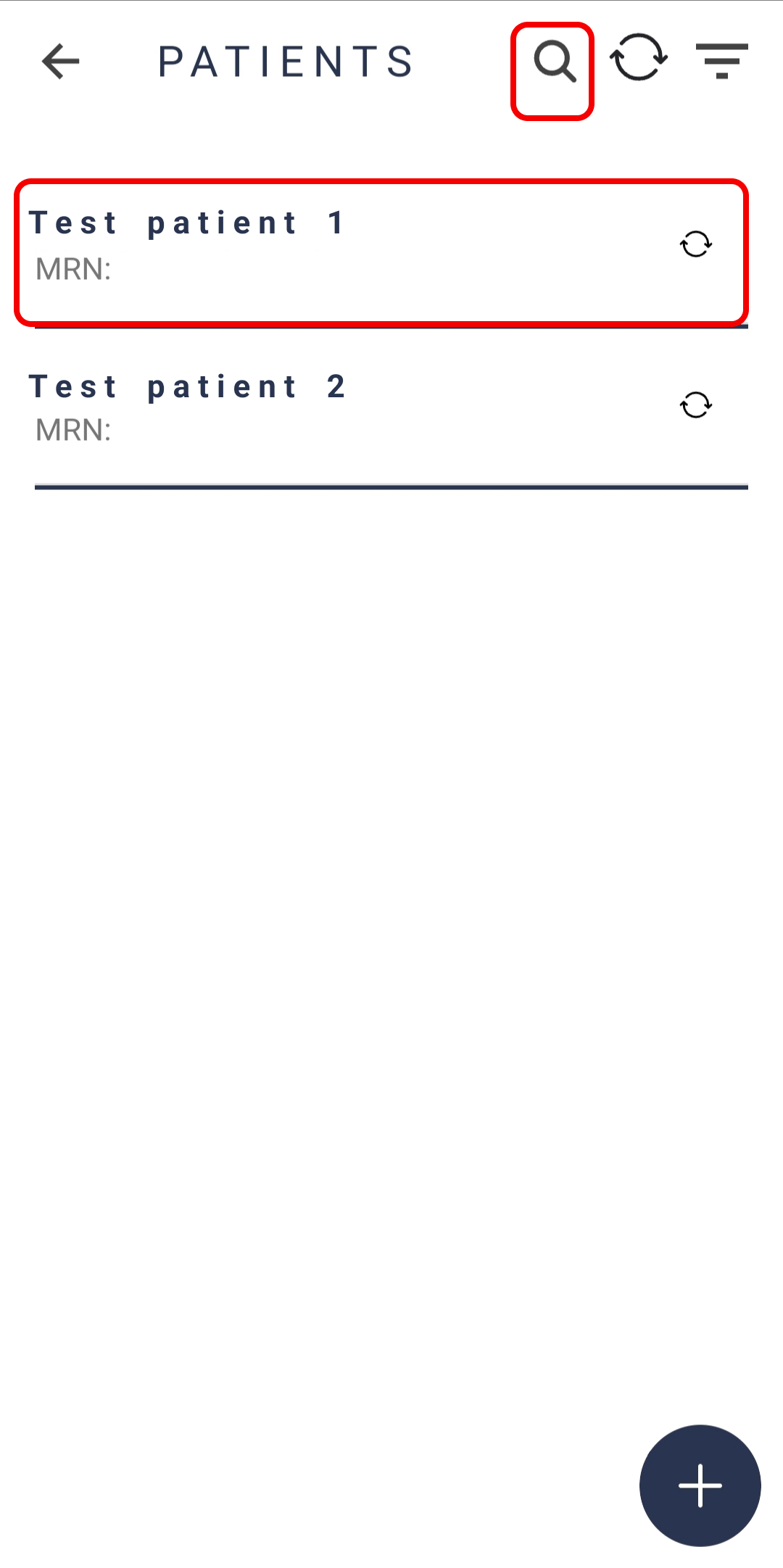
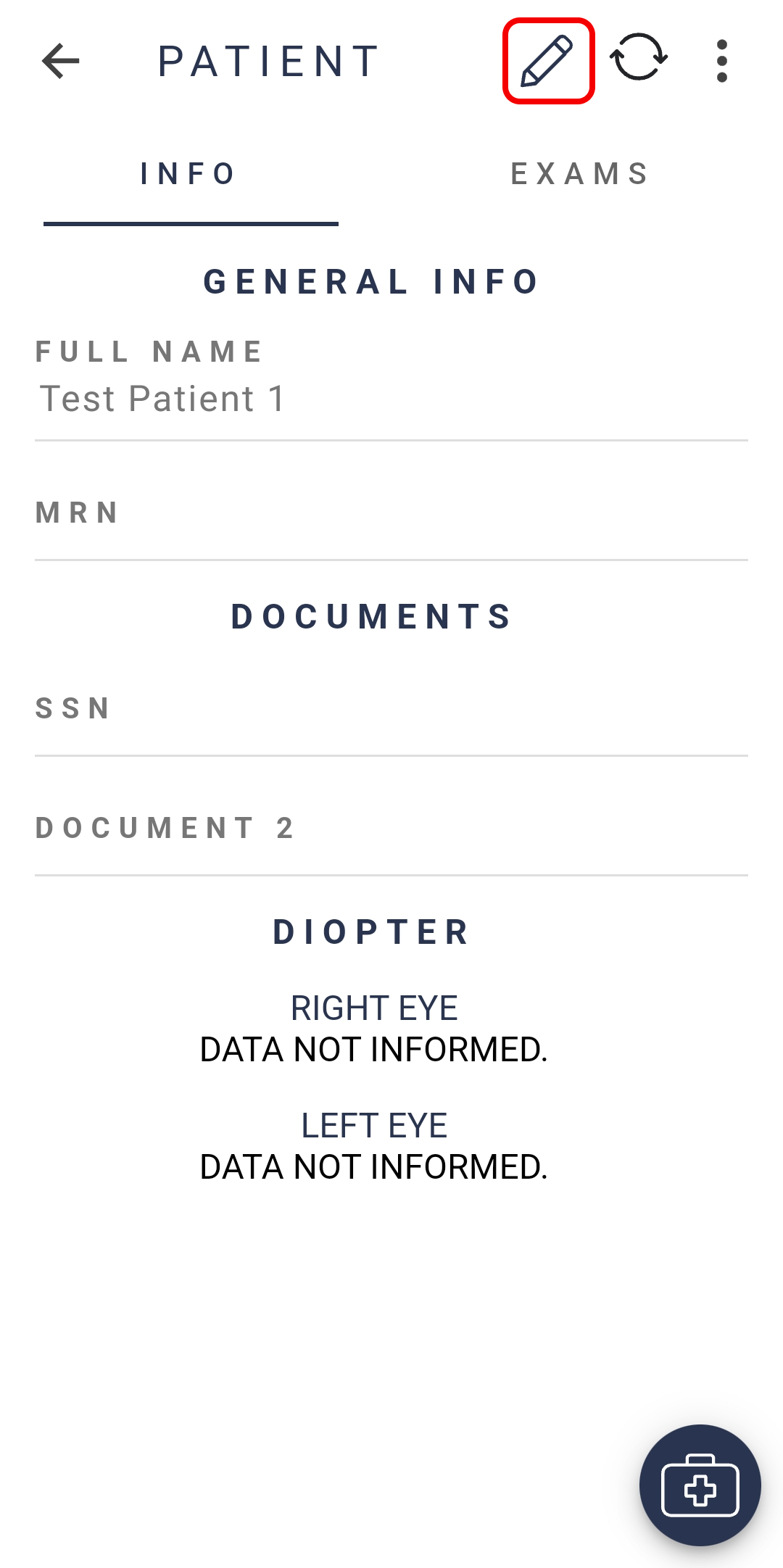
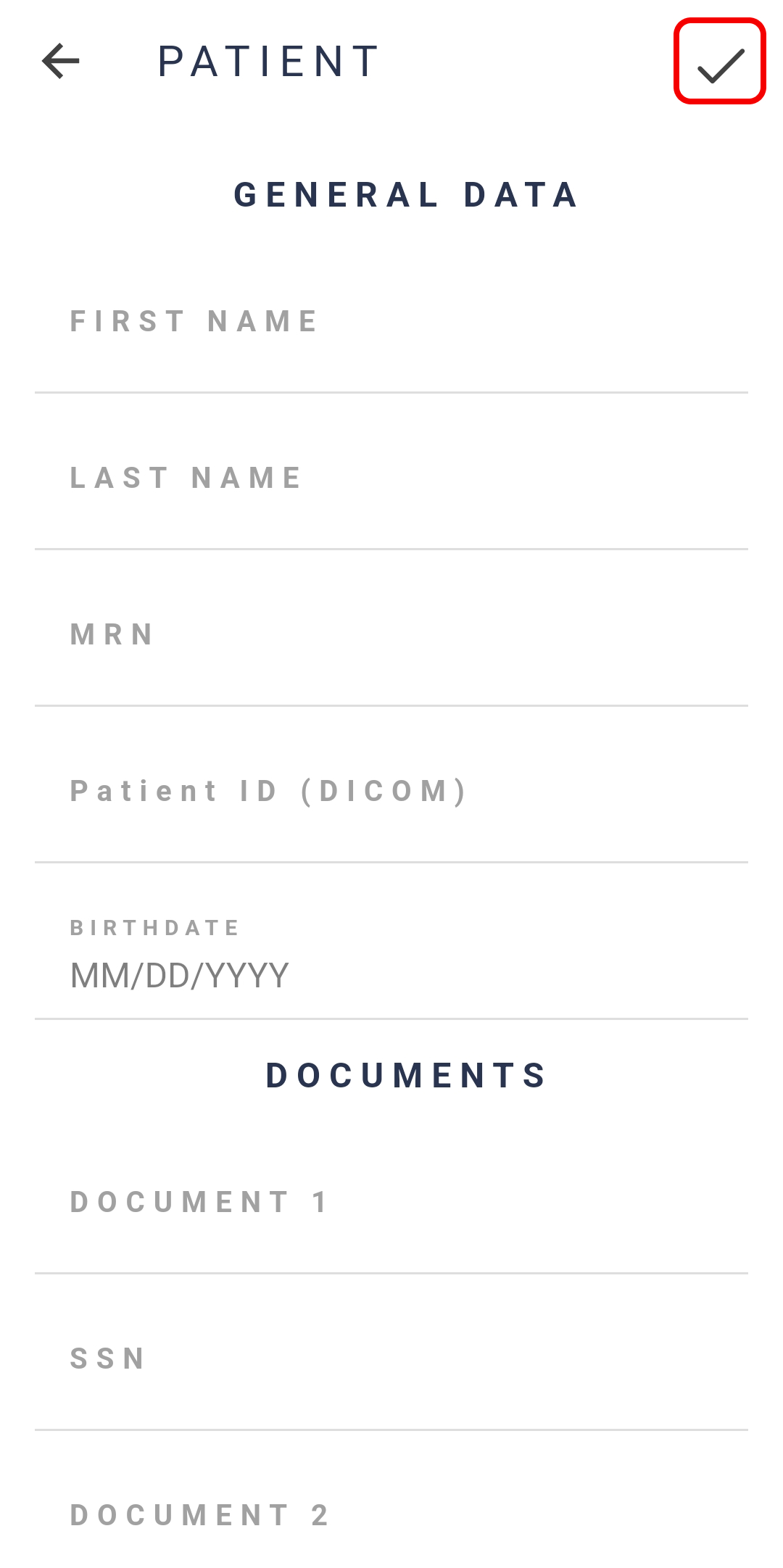
Navigate to the “Patients” tab from the Eyer home screen, select the profile of the patient you wish to modify, and click on the pencil icon located on the top of the screen. Finalize your changes by clicking on the icon located on the top right of the screen.
IMPORTANT: You must be in the INFO tab to provide the changes.
⚠️ Important:
By following this procedure, you are not creating a new patient profile, but editing the information of an already registered patient. If this patient has other exams linked to their profile, the changes made will automatically apply to all exams associated with them.