

 English
  Español
  Português
NOTE: It is not possible to recover a deleted exam.
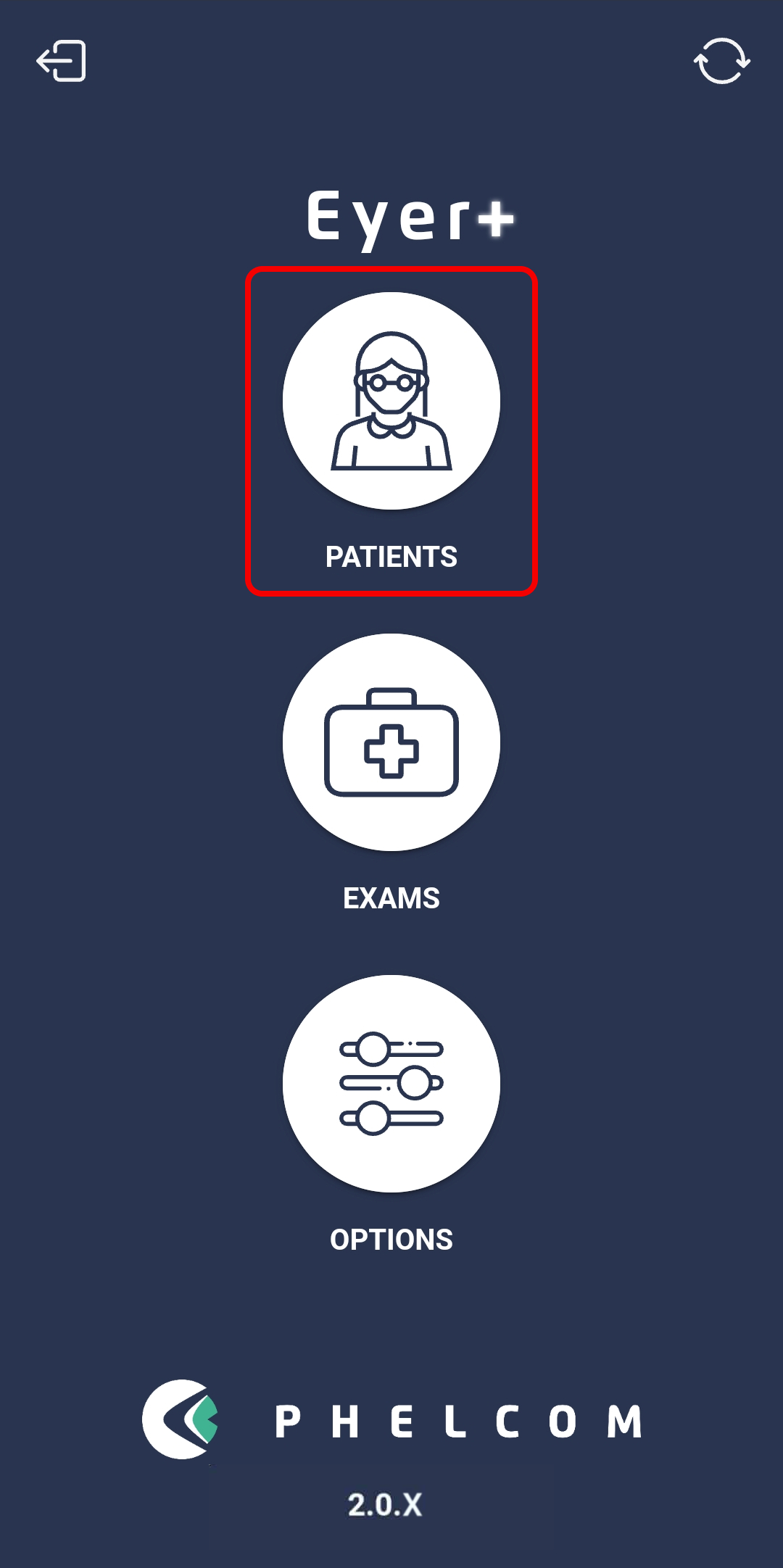
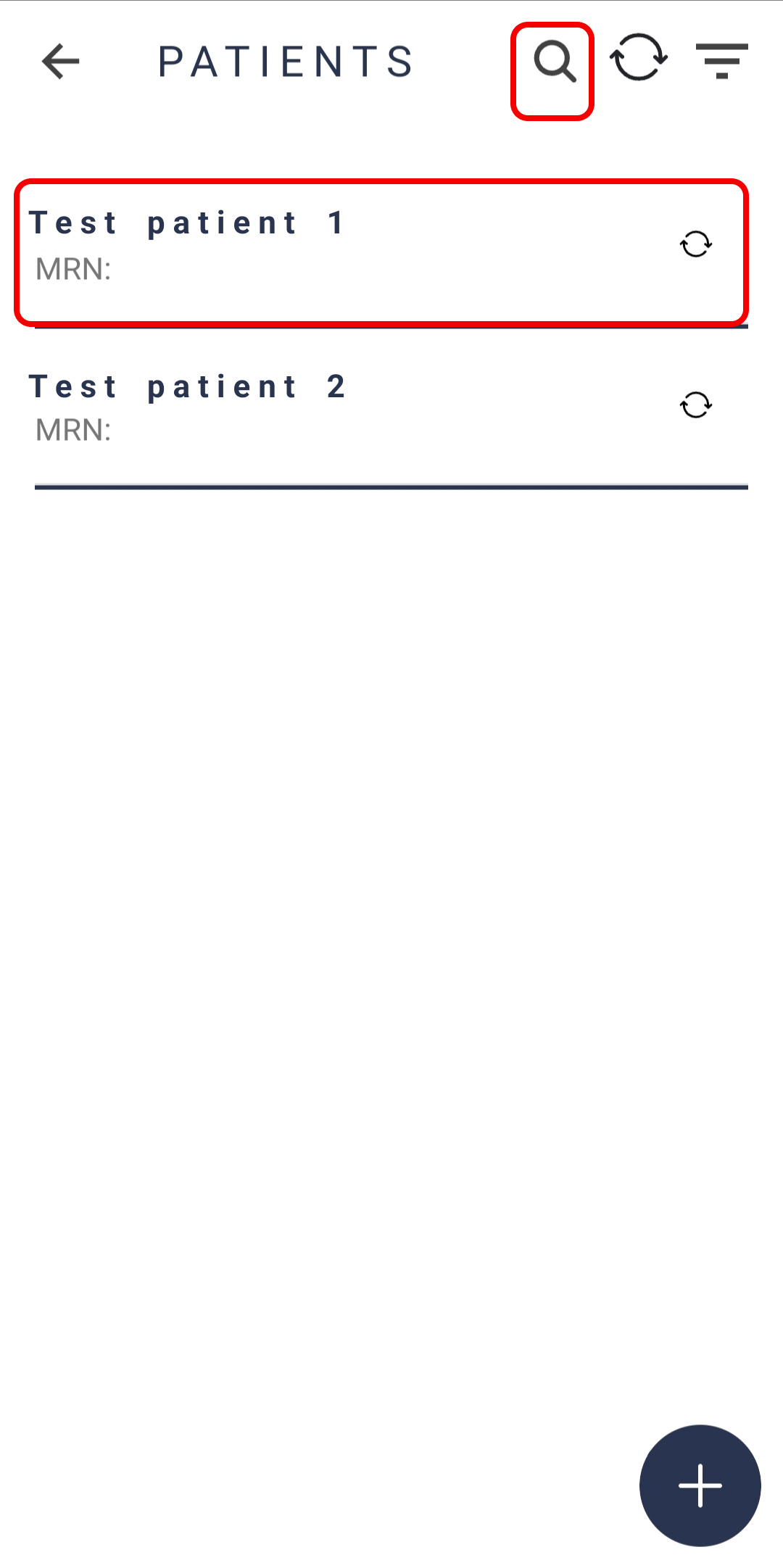
On the Eyer application home screen, find and select the patient’s profile whose exam you wish to erase.
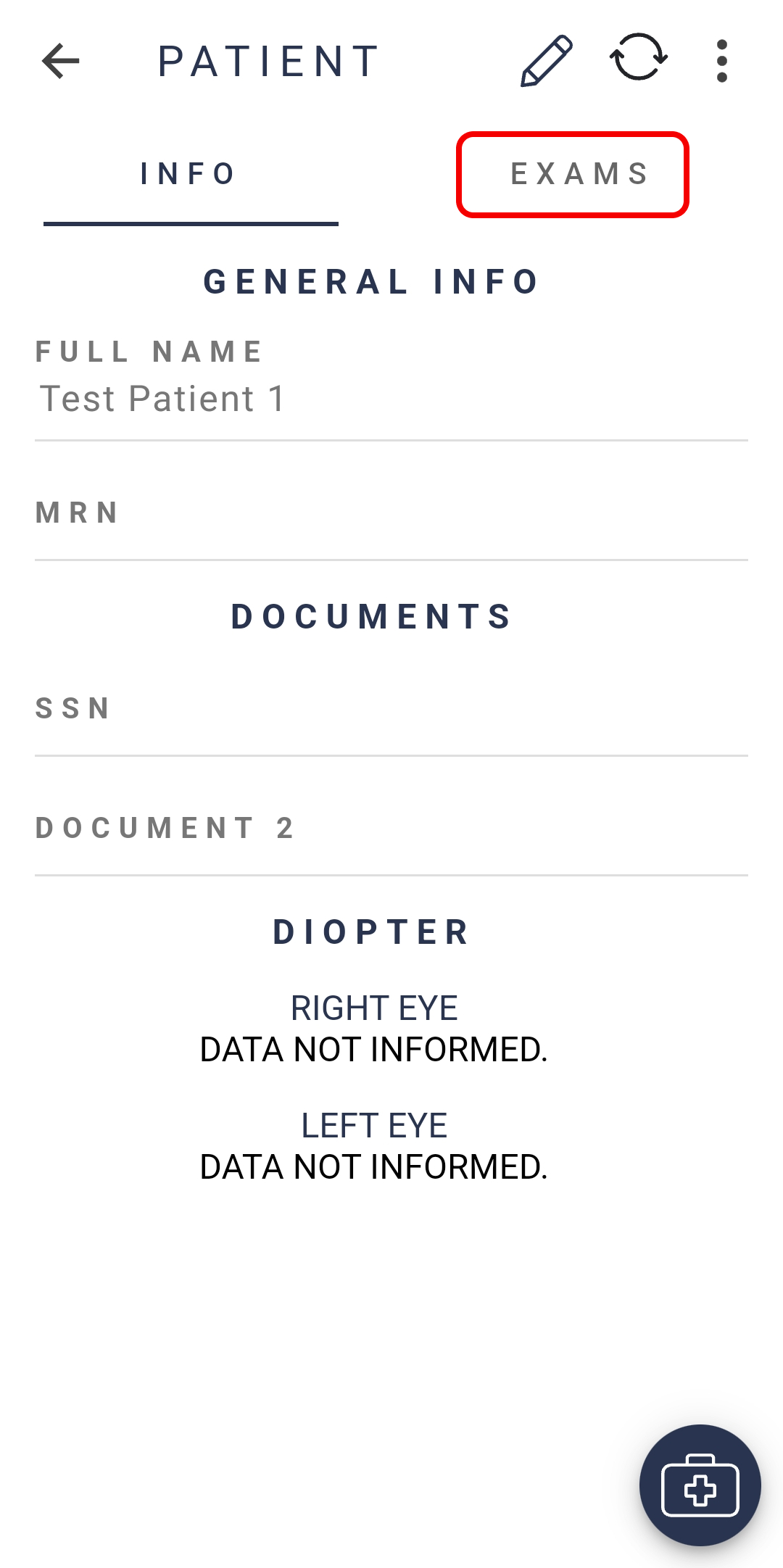
On the patient’s profile, go to the “Exams” tab.
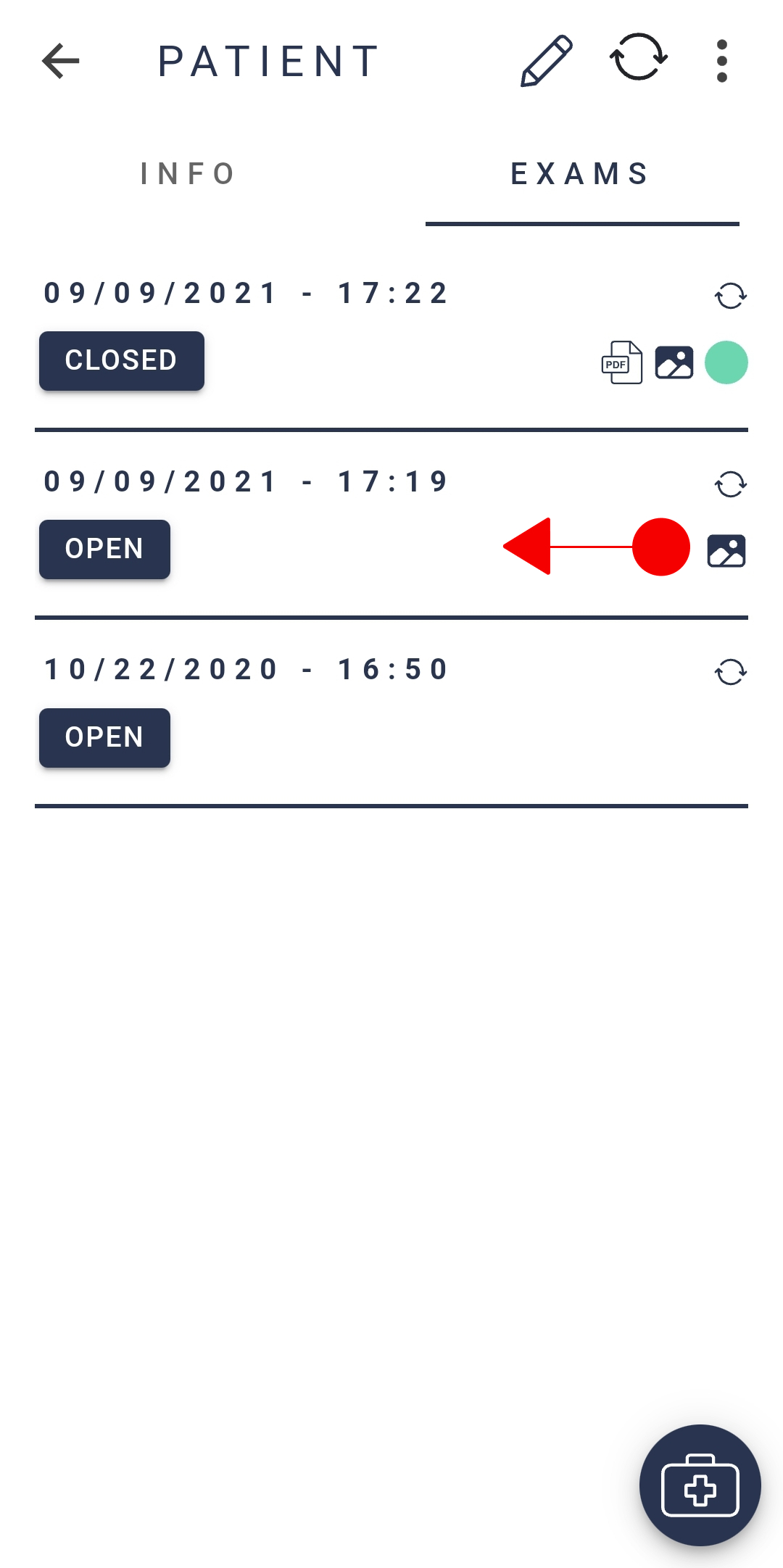
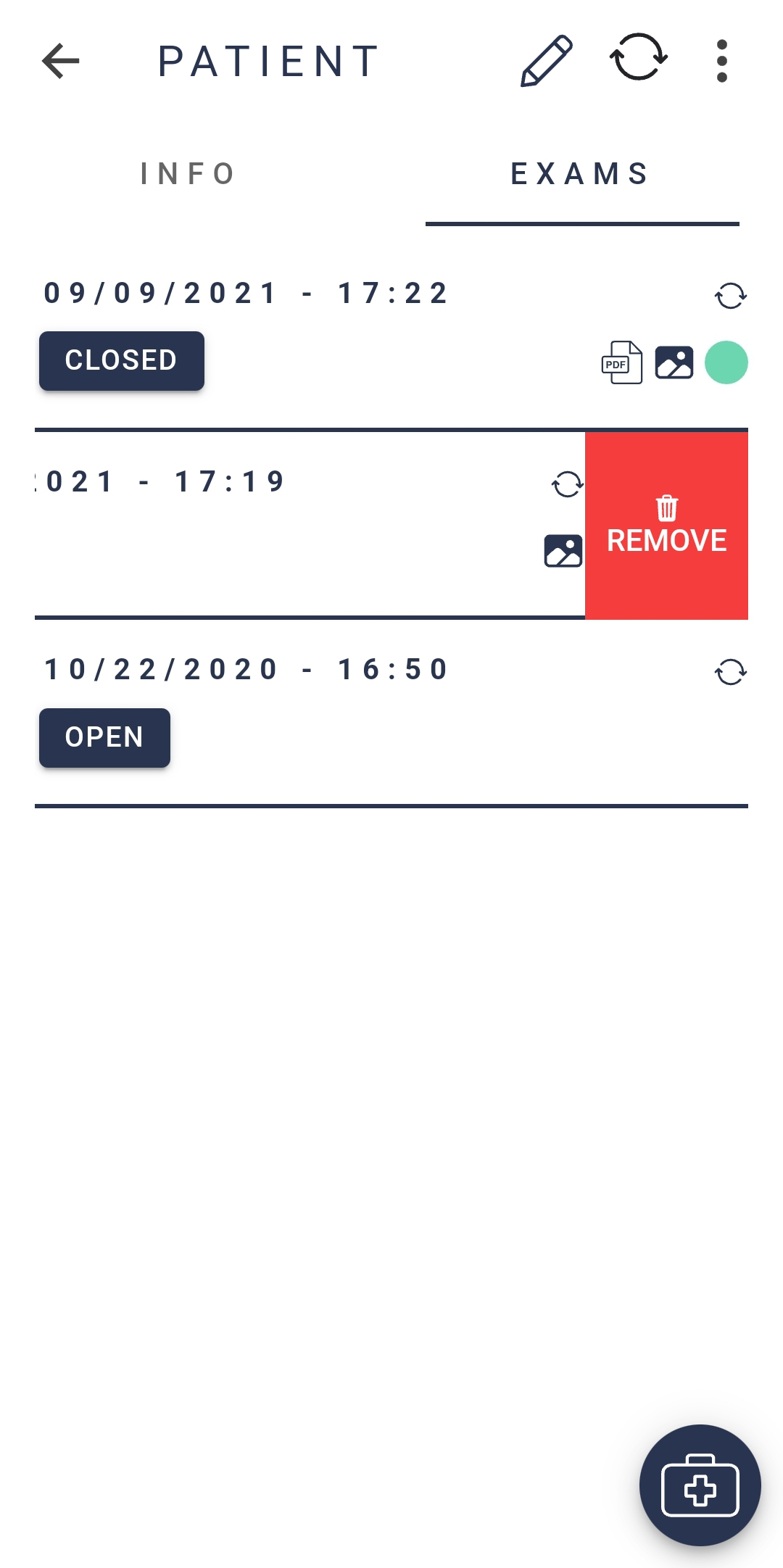
To remove an exam, from the right corner of the exam, drag it to the center until the remove option appears, press it.
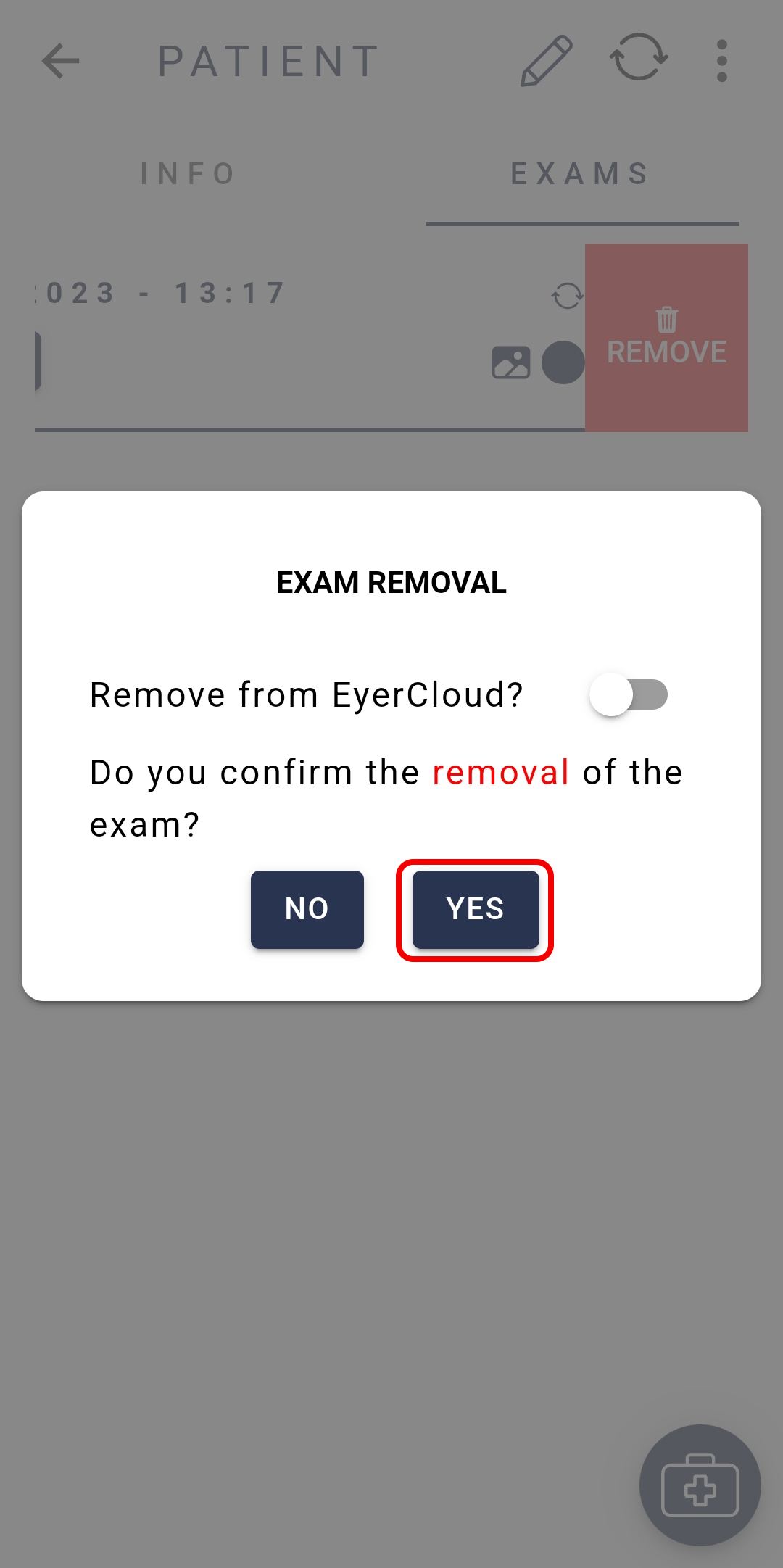
NOTE: if your EyerCloud account allows cloud data storage, you can erase exams from the EyerCloud by selecting the option “Remove from EyerCloud“.


