

 English
  Español
  Português
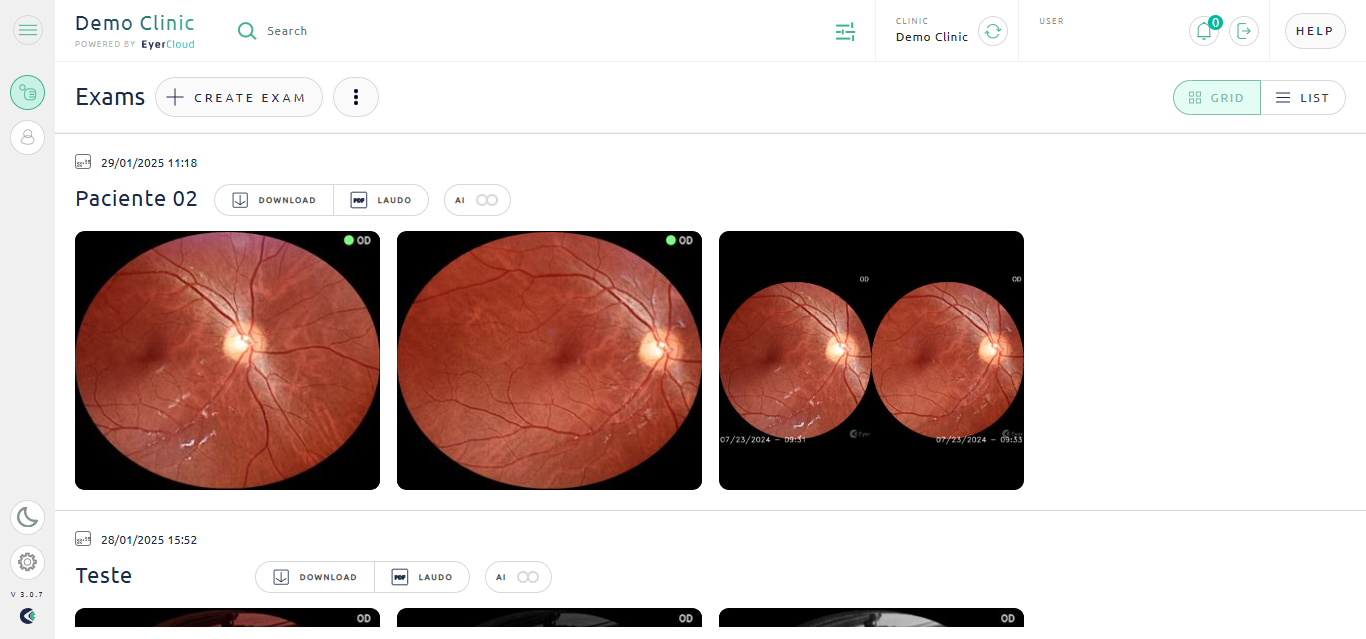
To view an exam’s images in EyerCloud platform:
. 1) Access EyerCloud
. 2) Find the desired exam
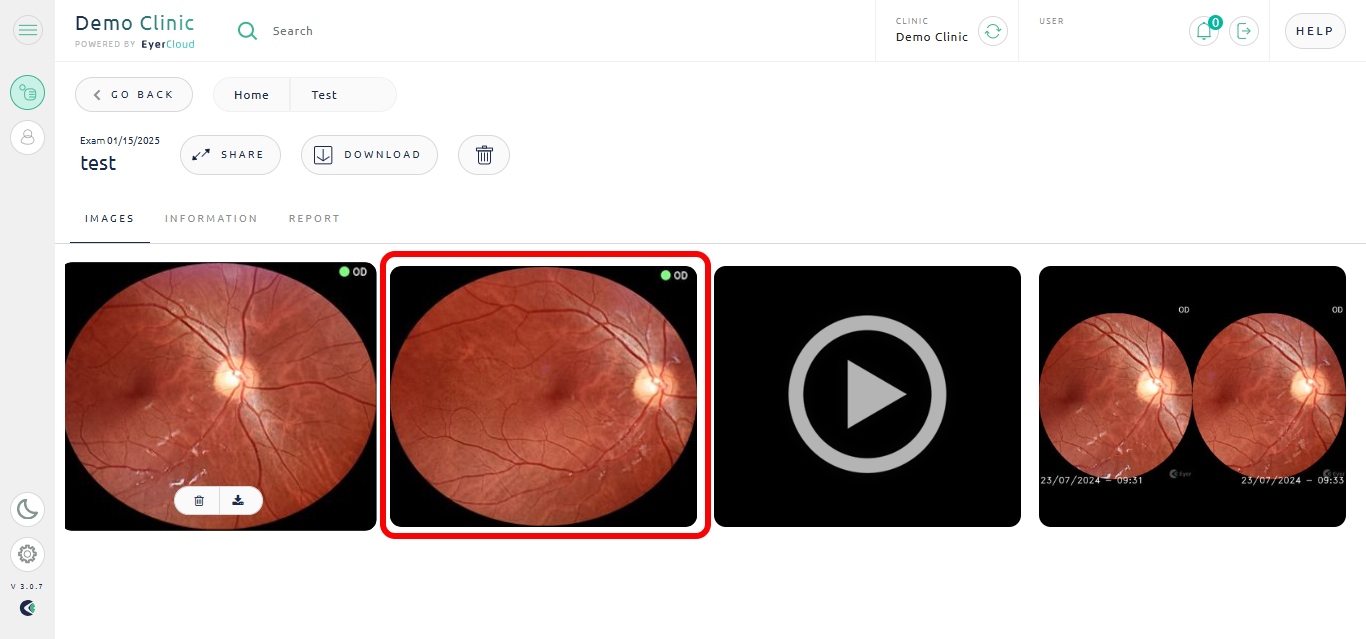
. 3) In the “Images” tab you can see every image associated with this exam.
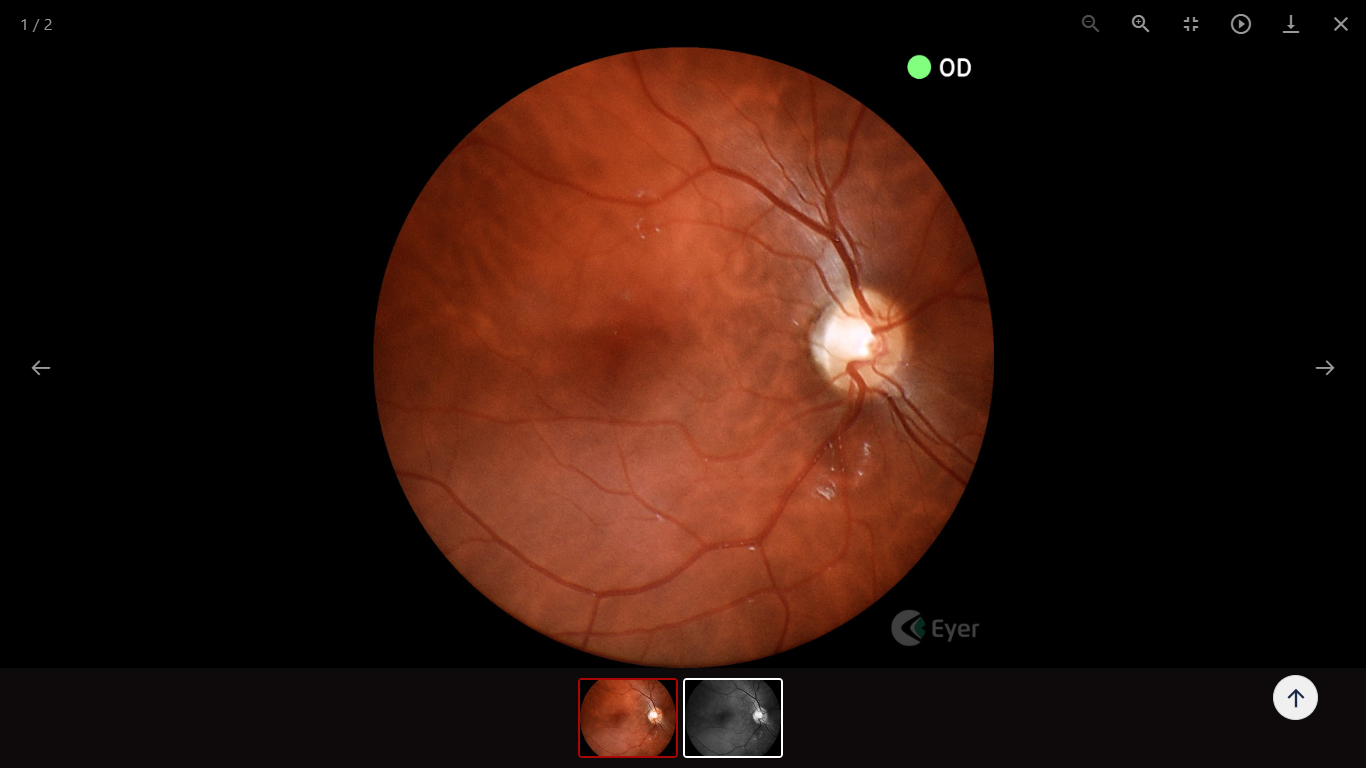
. 4) To expand them click on the image.
To view an exam’s images in EyerCloud platform:
. 1) Access EyerCloud
. 2) Find the desired exam
. 3) In the “Images” tab you can see every image associated with this exam.
. 4) To expand them click on the image.
 Request a Quote
Request a quote
Fill out the form below and we will contact you shortly.

Request a Quote
Our team will contact you shortly.
…complete suas informações
Obrigado por completar suas informações
Request and start YOUR TEST DRIVE
Please fill out the form below, and we will get in touch.
Thank you!
Our commercial team will contact you shortly to finalize the process.Our commercial team will contact you shortly to finalize the process.
Request more information
Thank you!
Our commercial team will contact you shortly to finalize the process.Our commercial team will contact you shortly to finalize the process.