

 English
  Español
  Português
To adjust the camera’s focus without knowing the patient’s diopter, use autofocus. Follow these steps:
- Choose the eye by toggling the OD/OS button.
- Position the equipment before pressing the capture button.
- Tap the center of the image to activate the flash for the patient. However, the image will not be captured but the camera’s focus will be automatically adjusted.
- Remove the device from the patient’s eye and allow a few seconds for the eye to relax after exposure to light.
- Reposition the device on the patient’s face. Once the device is repositioned, you may proceed to capture the image.
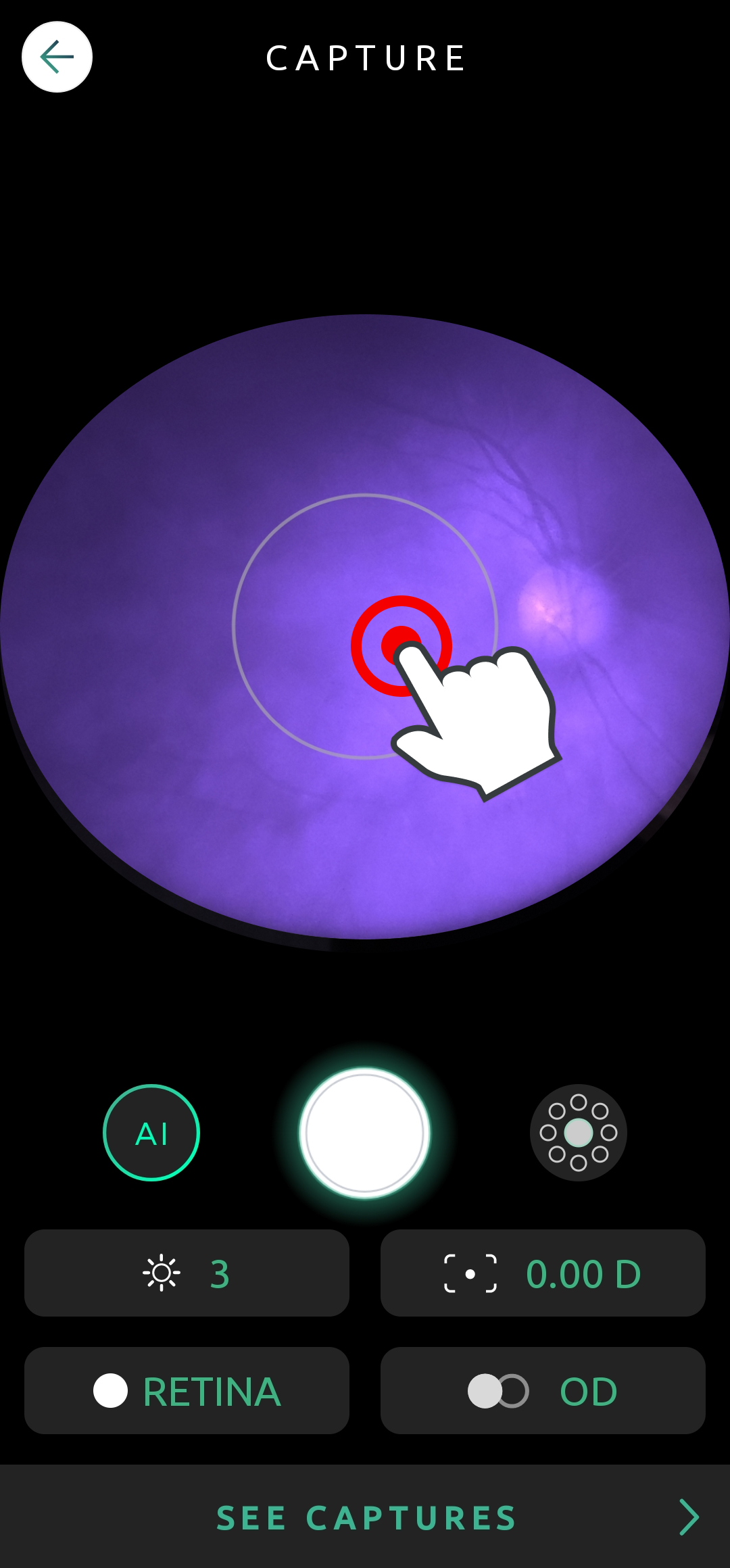
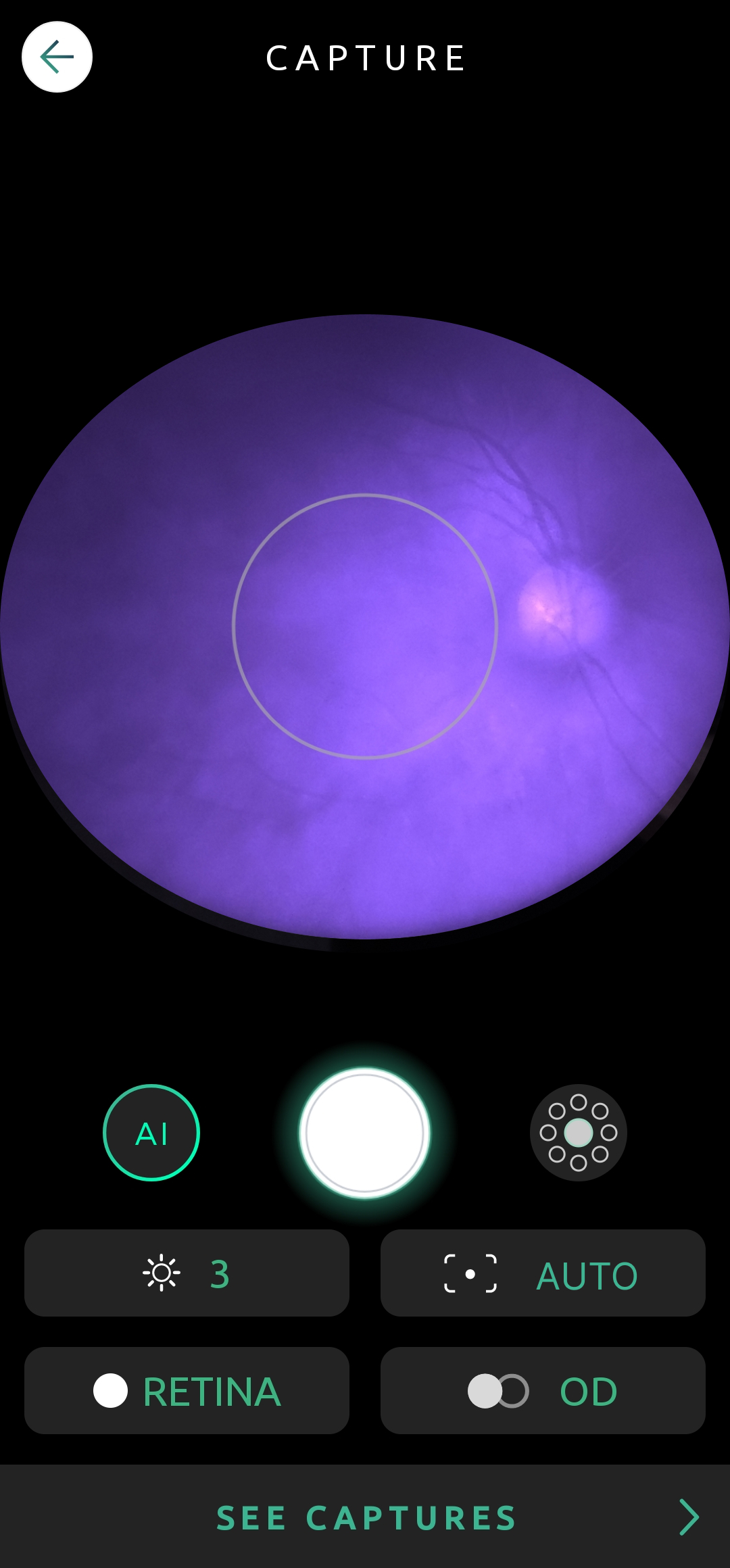
When using autofocus, capture all necessary images from one eye before proceeding to the other one. Repeat this process from the beginning for each.


