Português
  Español
  English
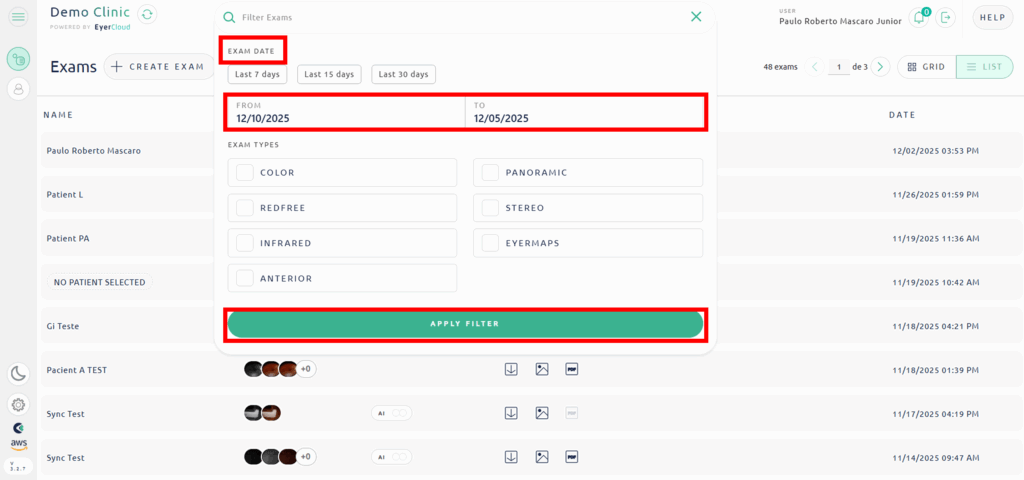
To view exams performed on a specific day or period, access EyerCloud, and in the “Search” icon next to the search field, select the period in “From” and “To” and confirm by clicking “Apply Filter”.
The automatic period for displaying exams is three months.
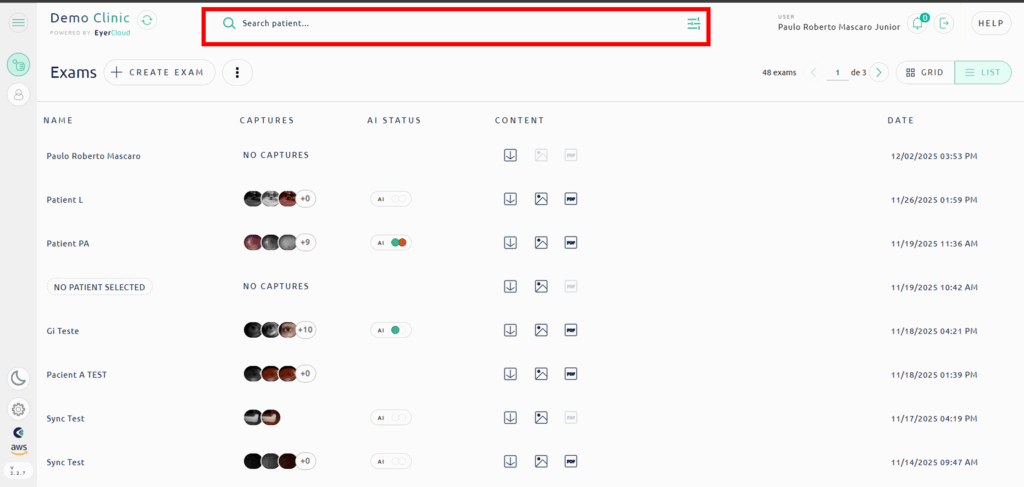
The exams will be displayed in descending chronological order, and to access an exam, click on “Access Exam”.