Português
  Español
  English
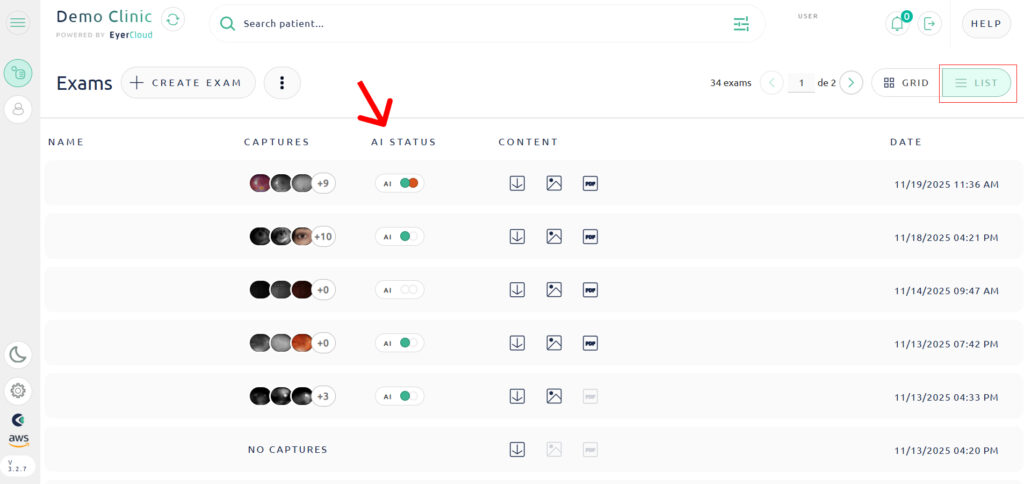
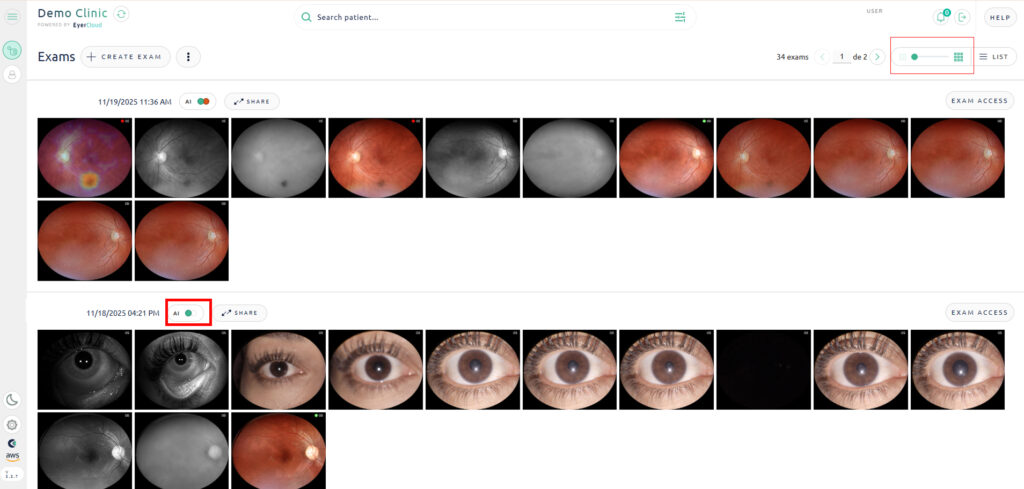
When viewing your list of exam list, whether in the Grid View or the List View, you will see a helpful indicator that shows the status of the AI Analysis.
This feature is designed to give you a quick, at-a-glance summary of the results for both eyes. The indicator is represented by two circles:
Right Circle: Represents the Right Eye
Left Circle: Represents the Letft Eye
The exam photos should be marked by the AI indicator in the same way you see them on the device, located in the upper right corner.
Additionally, if a heatmap is generated, it can also be observed directly from the EyerCloud platform.