

 Português
  Español
  English
Initially, two templates were added to your clinic:
- RD Template
- Contains a template for generating reports related to diabetic retinopathy.
- Instructions/Help
- Contains tips and formatting examples to be used in creating or editing reports.
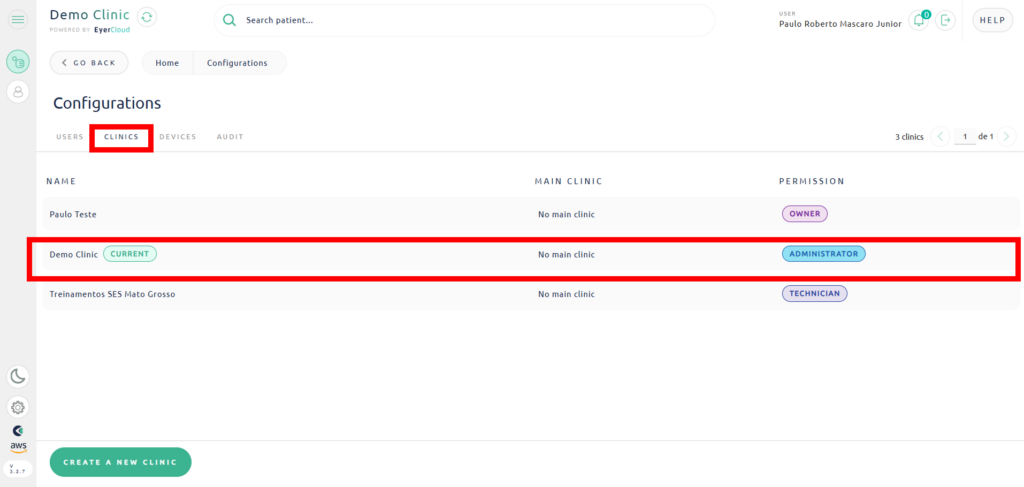
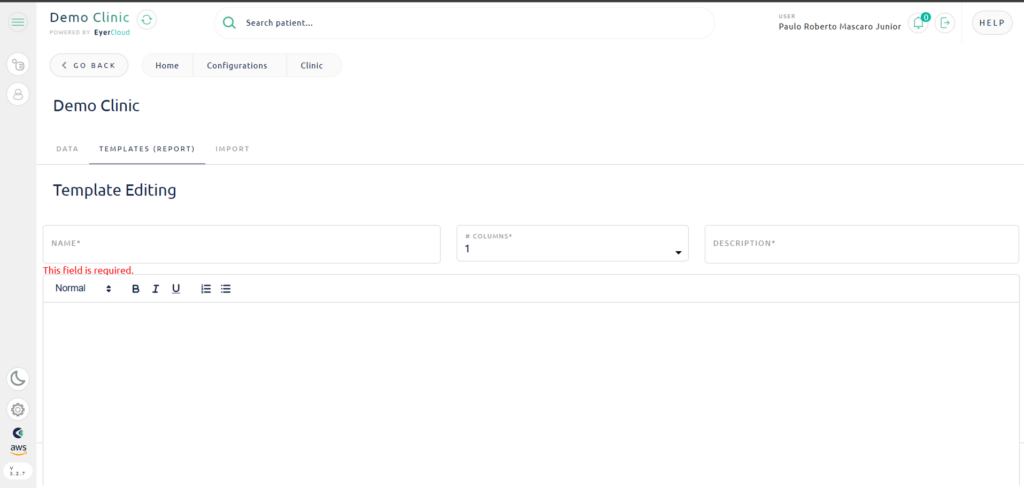
To access your clinic’s template manager, go to Settings, Clinics, select your clinic from the list displayed, and then click on the Templates (Report) tab.
Then edit your template.
From this screen you can manage your clinic’s templates. To create a new template, simply click on the New Template option:

For more information and tips on creating templates, please refer to the template called Instructions/Help, which can be found in your clinic’s template listing.


